

Business – How To Register Your Account
Tutorial Video:
Once you are finished registering your account, you will need to follow these next steps:
Step 1:
You will receive an email verification link in your inbox. Please click on that link to verify your account. This email will look like this:
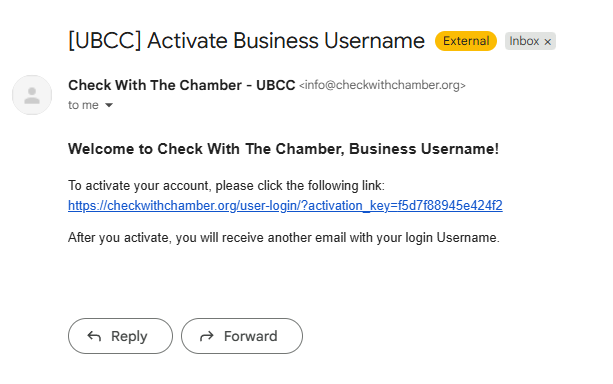
Verify Email Address Example
Step 2:
Once you verify your account, your account will need to be approved by an administrator. Once an administrator approves your account, you will receive an email to let you know that you have access to the Chamber Member portion of the website. That email will look like this:
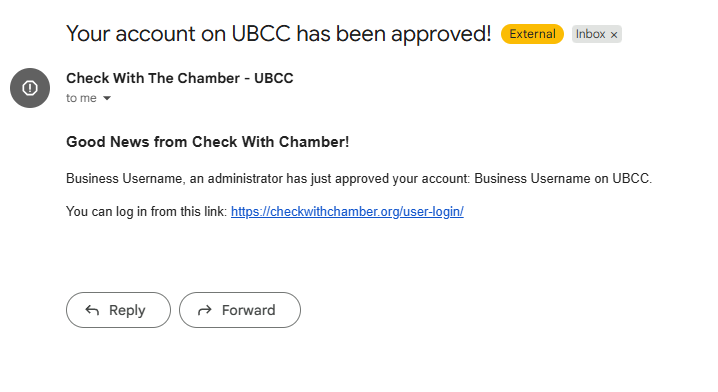
Account Approved Email Example
Step 3:
Log into your account!
Once your account is approved, you can log into the website via this link: Log In Here!
Related Post
Sorry, No posts.